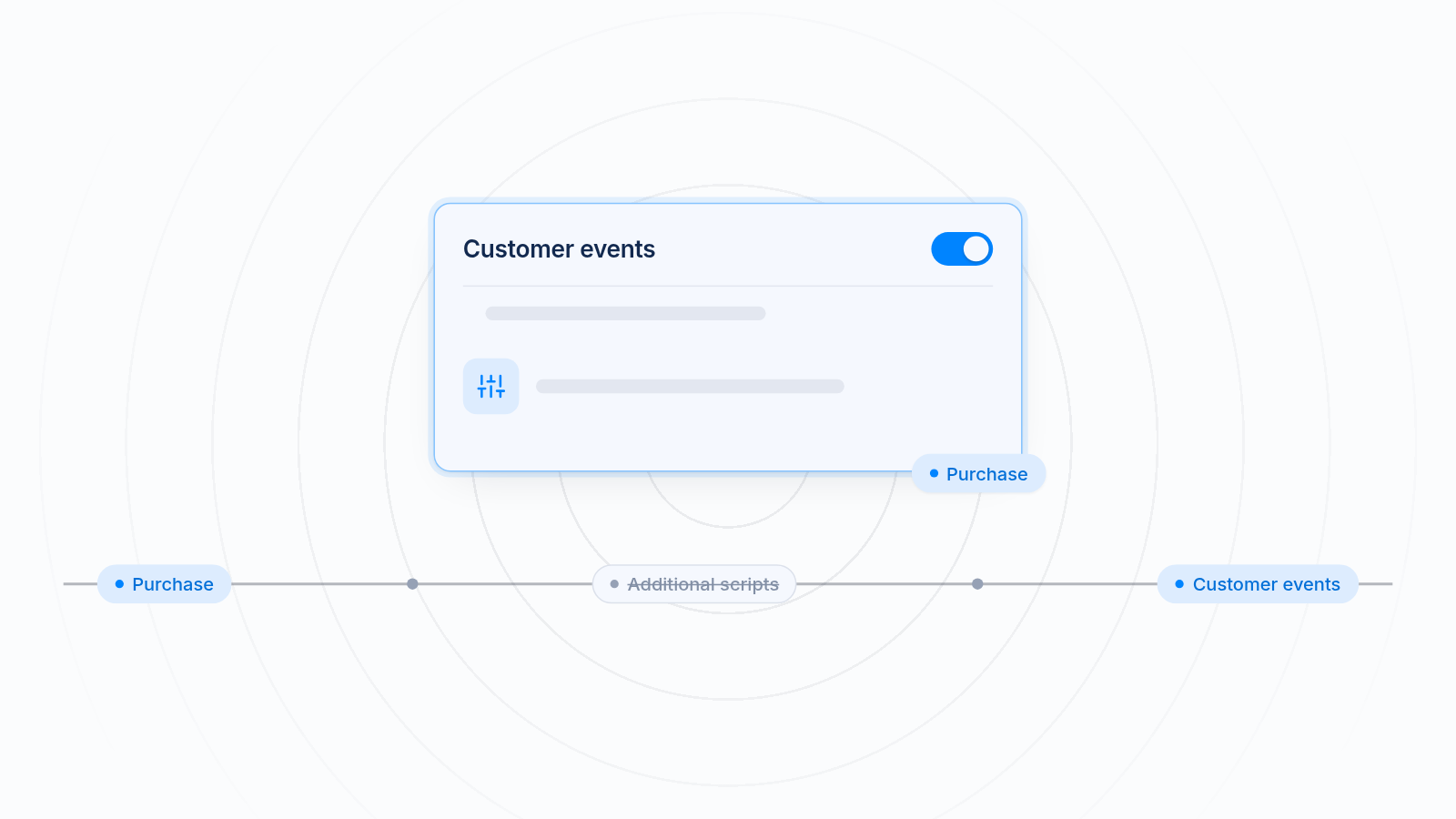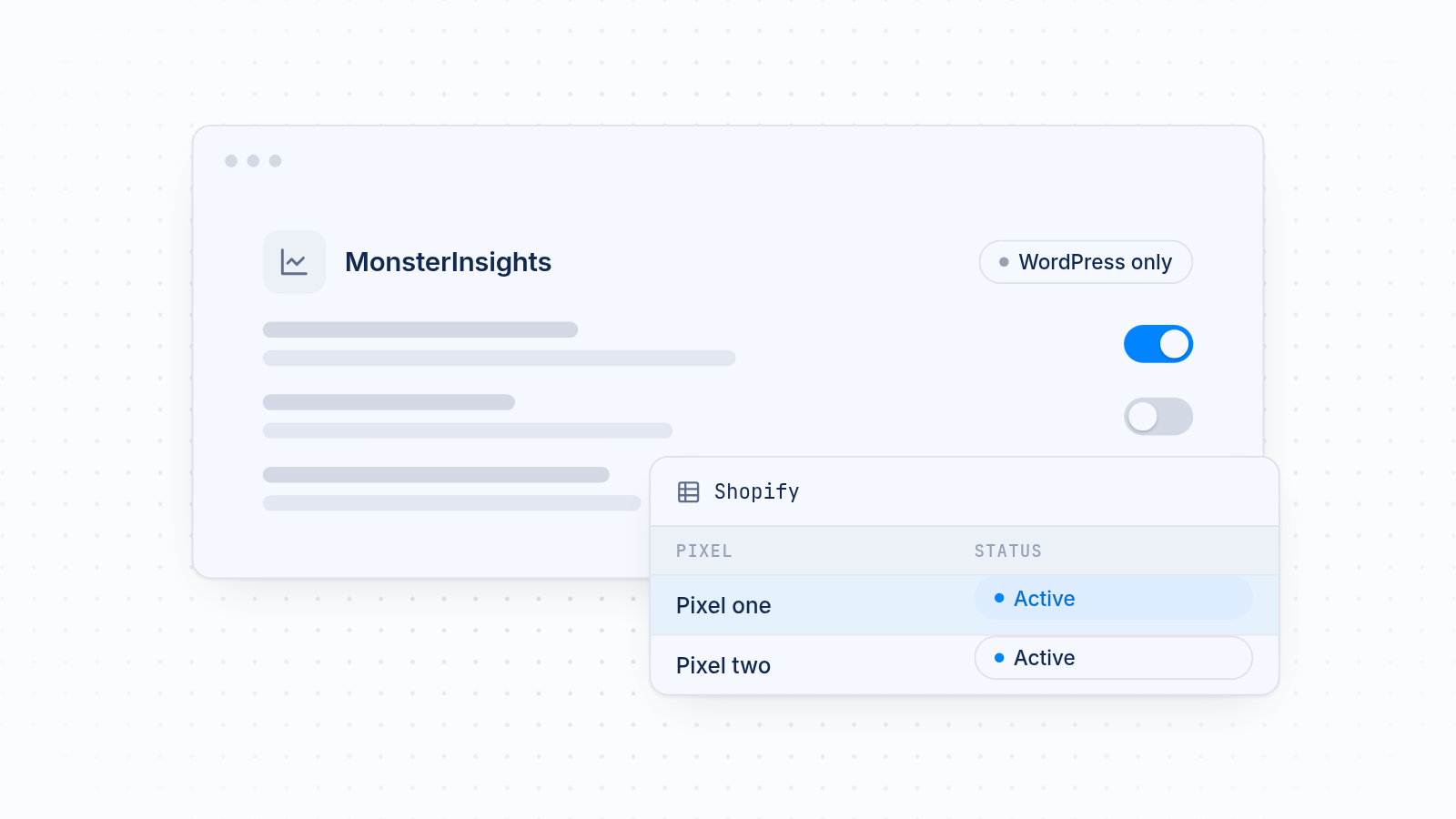
MonsterInsights vs Shopify pixel app comes down to your platform. For a Shopify store, a Shopify pixel app is the better choice. MonsterInsights is a WordPress plugin built for WordPress and WooCommerce sites, so it doesn't fit Shopify. A Shopify pixel app such as MultiPixels installs your Google and Meta pixels inside Shopify, with no code or tech team required.
Key takeaways
MonsterInsights is made for WordPress and WooCommerce, not Shopify.
If you run Shopify, the real choice is between Shopify-native options.
Bad ad tracking wastes ad spend. If you can't tell which ads drive sales, you may cut winners and fund losers.
Stay on MonsterInsights if you run WordPress or WooCommerce. Use a Shopify-native pixel app if you run Shopify.
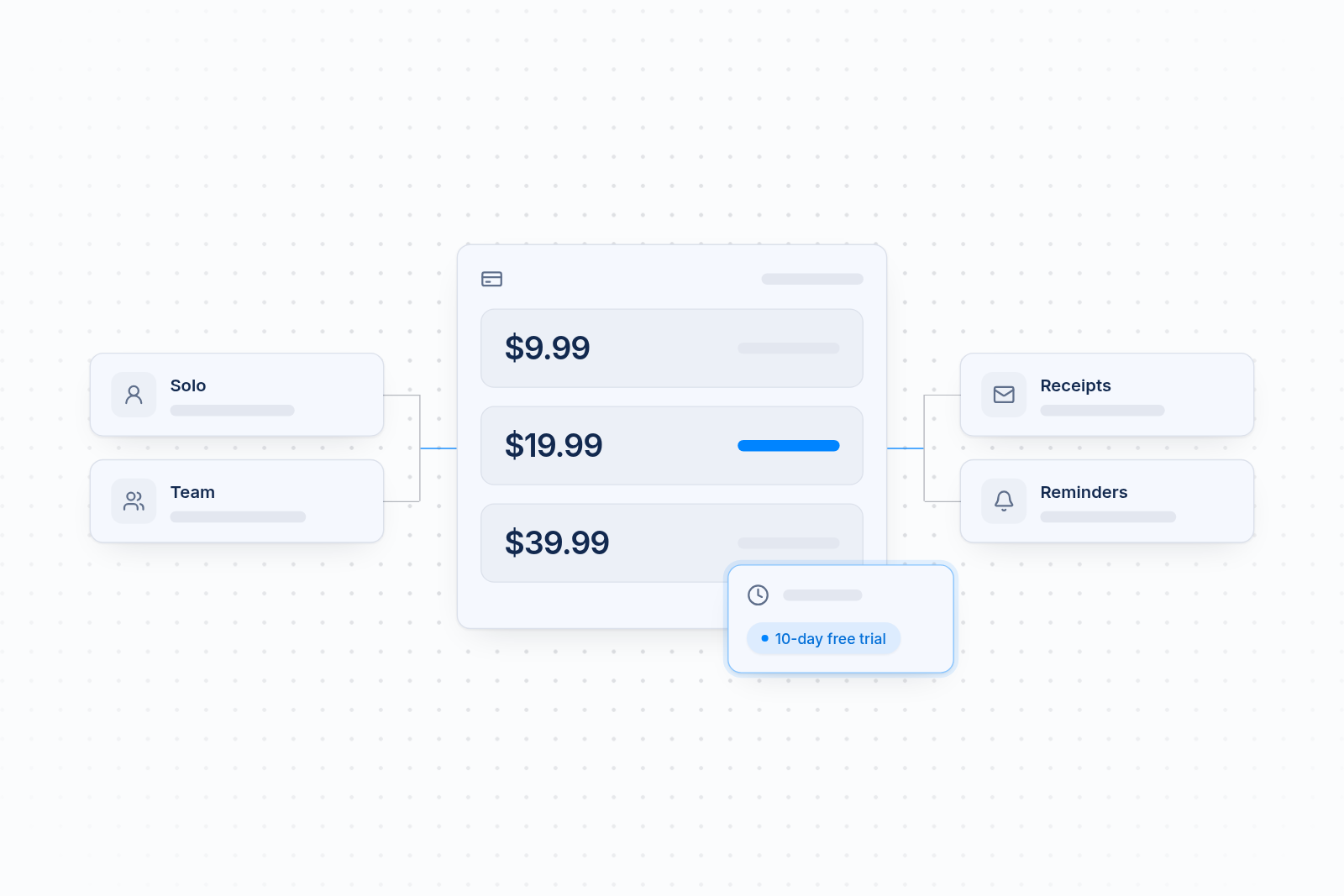
MultiPixels costs $9.99, $19.99 or $39.99 a month after a 10-day free trial.
Why this comparison doesn't quite work
MonsterInsights and a Shopify pixel app are built for different platforms. MonsterInsights lives inside WordPress. It connects a WordPress site to Google Analytics and adds an ads addon for tracking Google and Meta conversions. It works with WooCommerce and other WordPress plugins.
You can't install a WordPress plugin on Shopify. So if you're a Shopify store owner asking which tool is better, MonsterInsights was never an option for your store.
The question still makes sense if you're moving from WordPress to Shopify. You had tracking working on WooCommerce and now need the same thing on Shopify. That's where a Shopify pixel app comes in.
What each tool tracks for Google Ads and Meta
Both tools aim to send purchase data to Google Ads and Meta. They differ in where they run and which sites they support.
MonsterInsights has an ads addon. It lets you add pixels and tags for Google Ads, Meta, Bing, TikTok and Pinterest to a WordPress site. For Google Ads, you enter a conversion ID and a conversion label, and the addon tracks transactions from a store such as WooCommerce. It needs a Pro license or higher.
MultiPixels runs inside Shopify. It manages pixels for Facebook, Instagram, TikTok, Snapchat, X and Pinterest from one dashboard. It tracks conversions, builds custom and lookalike audiences, keeps a backup pixel running, and shows which ads drive sales. You can see the full list on the integrations page.
Tracking matters because it feeds your ad spend. If a platform can't see your sales, it can't credit the right ad. Your reports look weak, and you pay for clicks while learning little.
How setup works
MonsterInsights is set up inside WordPress. MultiPixels is set up inside Shopify. Neither needs a developer for the basics, but the steps differ.
MonsterInsights setup
- Install the MonsterInsights plugin on your WordPress site.
- Get a Pro or higher license.
- Connect your Google Analytics account.
- Turn on the ads addon.
- Paste in your pixels and tags, such as a Google Ads conversion ID and label.
- For Google Ads, enable the eCommerce addon so you can add the label.
MultiPixels setup
- Install MultiPixels from the Shopify App Store.
- Open the app and pick the pixel you want.
- Paste in your pixel ID and save.
No code or tech team required. You never edit theme files. Remove any older pixel code from your theme first, so each event fires once.
Server-side event support
Support depends on the tool, so check before you rely on it. Server-side events send purchase data from a server instead of only the shopper's browser. They help when a browser blocks a pixel.
MonsterInsights' setup guide says its ads addon inserts tags and pixels into your WordPress site. It doesn't describe server-side events, so confirm with MonsterInsights if you need them on WordPress.
On Shopify, MultiPixels keeps a backup pixel running, so tracking continues if your main pixel has a problem. Shopify's own Google and Meta channels also have server-side options, and they're worth knowing about. If you use more than one tool, make sure only one sends each purchase event. Two tools firing the same event can double-count orders and make results look better than they are.
Cost compared
MonsterInsights needs a paid license for its ads features. MultiPixels has three plans after a free trial. Check MonsterInsights' site for its current prices, since they change.
| Option | Built for | Google Ads and Meta tracking | Setup | Cost |
|---|---|---|---|---|
| MonsterInsights | WordPress and WooCommerce | Ads addon adds Google Ads, Meta and other pixels to a WordPress site | Plugin inside WordPress, Pro license or higher needed | Paid license, see MonsterInsights for current prices |
| Shopify's built-in channels | Shopify | One channel per platform, such as Google or Meta | Set up each channel separately | Free to install |
| MultiPixels | Shopify | Manages Facebook, Instagram, TikTok, Snapchat, X and Pinterest pixels in one dashboard, plus backup pixel and custom and lookalike audiences | Shopify app, no code or tech team required | $9.99, $19.99 or $39.99 a month after a 10-day free trial |
MonsterInsights doesn't run on Shopify. MultiPixels doesn't run on WordPress.
Choosing the right tool
Use MonsterInsights if your store runs on WordPress or WooCommerce. Use a Shopify-native pixel app if it runs on Shopify.
- WordPress or WooCommerce store: Stay on MonsterInsights. It was built for that setup.
- Shopify store, one ad platform: Shopify's built-in channel may cover you.
- Shopify store, several ad platforms: Use a pixel app like MultiPixels. You get one dashboard, a backup pixel and cleaner attribution, without wasting ad spend on guesses. For a wider look, see pixel app vs Google Tag Manager vs Shopify's Facebook channel.
- Moving from WordPress to Shopify: Plan to replace MonsterInsights. Install a Shopify pixel app and check that one order equals one conversion.
How to check your tracking after setup
Place a test order and confirm each platform shows one purchase. Then compare ad platform numbers with Shopify orders for the same dates. Small gaps are normal. A big gap points to a duplicate install or a missing event. If the numbers stay far apart, read how to fix a pixel and Shopify analytics data mismatch.
Check again after you add an app or a cookie banner. Both can change what fires.
Start tracking on Shopify
If you run Shopify, skip the WordPress plugin and use a tool built for your store. Install the MultiPixels app from Shopify and start your 10-day free trial.