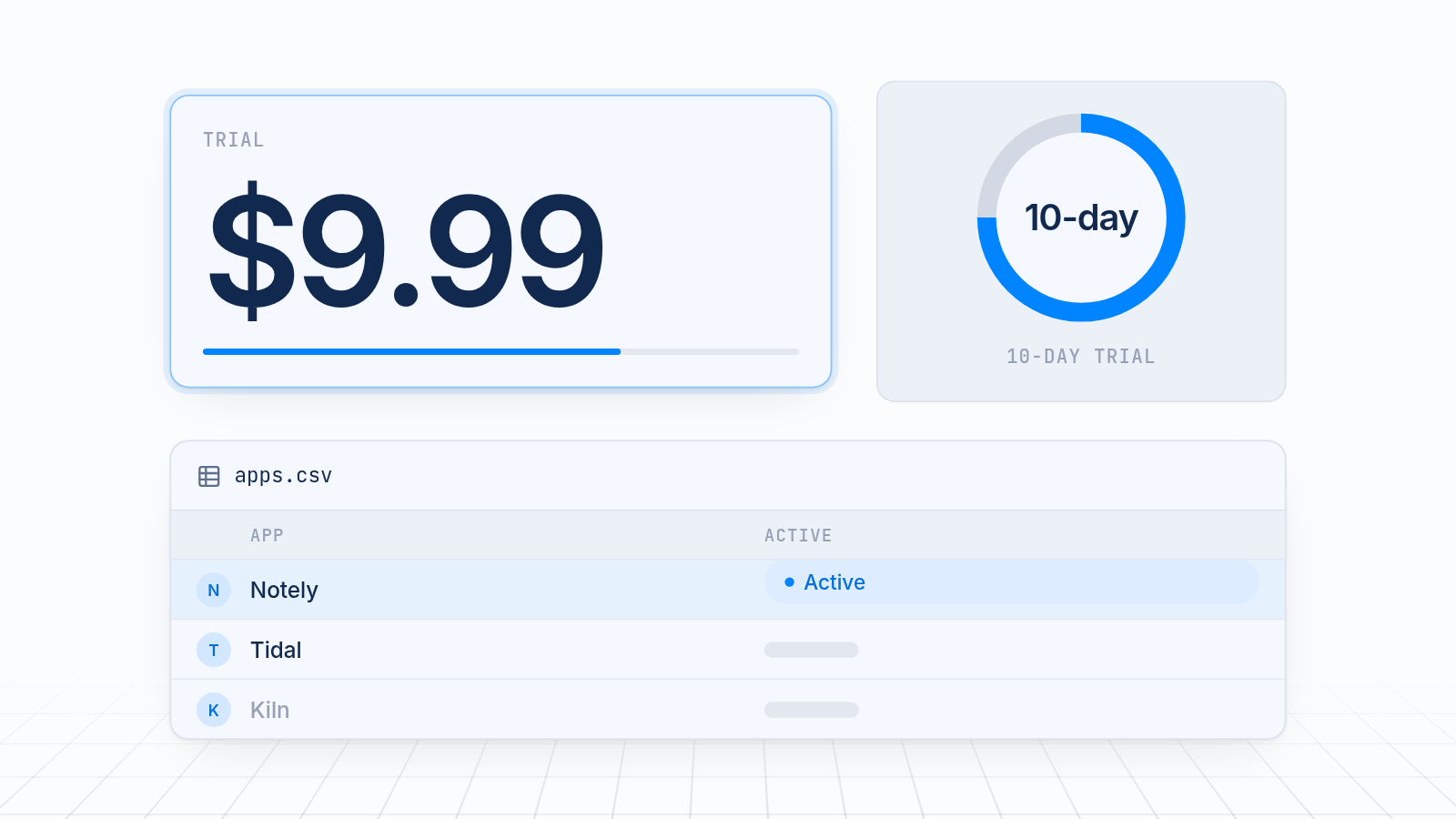
The best Conversios alternatives for Shopify multi-platform pixel tracking depend on what you need. MultiPixels is a low-cost, no-code way to run Facebook, Instagram, TikTok, Snapchat, X and Pinterest pixels with a backup pixel. It costs from $9.99 a month after a 10-day free trial. Conversios may fit better if you need deep GA4 reporting. utm.io may fit better if you need heavy UTM link management. It builds and organizes campaign links. It doesn't run pixels.
Key takeaways
MultiPixels runs six social ad platforms from one dashboard, with a backup pixel, from $9.99 a month after a 10-day free trial.
Conversios is a stronger match for stores that want deep GA4 reporting.
utm.io builds and organizes campaign links and does not run pixels, so it solves a different problem.
If your tracking data is wrong or missing, your ad platform learns from thin data, and you pay for clicks it can't learn from.
Before you choose, check platform coverage, server-side events, price for a small store, setup effort and agency fit.
What you are actually replacing
You are replacing either a pixel app or a UTM link tool, and the two do different jobs. A pixel app installs the tracking code that tells Facebook, TikTok and other platforms when a shopper buys. A UTM tool builds tagged links so you can see which campaign sent a visitor.
If you're comparing the two directly, you're likely comparing different tools. Conversios is built around pixel and analytics tracking, with a focus on reporting. utm.io is built around campaign links and naming rules. It has a free starter plan, and paid plans are reported to start at $19 a month. Check each vendor's site for current prices, since they change.
Both problems cost money. A missing pixel event means an ad platform can't see your sales, which wastes ad spend. A messy UTM link means you can't tell which ad drove a sale, which hides what works.
How the options compare
The table is a Shopify pixel app comparison of MultiPixels, Conversios and utm.io on the points store owners ask about most. The Conversios and utm.io entries are general and based on what each vendor publicly describes. Confirm details on each listing before you decide.
| MultiPixels | Conversios | utm.io | |
|---|---|---|---|
| What it does | Installs and manages ad pixels | Multi-pixel and analytics tracking | Builds and organizes UTM links |
| Ad platforms | Facebook, Instagram, TikTok, Snapchat, X, Pinterest | Wider mix, including GA4 and Google Ads | Not a pixel tool |
| Server-side events | Check the listing for each platform | Offered, including a server-side option | Not applicable |
| Price for a small store | $9.99, $19.99 or $39.99 a month after a 10-day free trial | Check the listing | Free starter plan, paid plans reported from $19 a month |
| Setup without a developer | Yes, no code or tech team required | Guided setup, with more options to configure | Simple for links, but no store tracking |
| Backup pixel | Yes | Check the listing | No |
| Agencies with several stores | Works well for social pixel setups at a low price | Suits agencies that report on GA4 | Suits teams that standardize link naming |
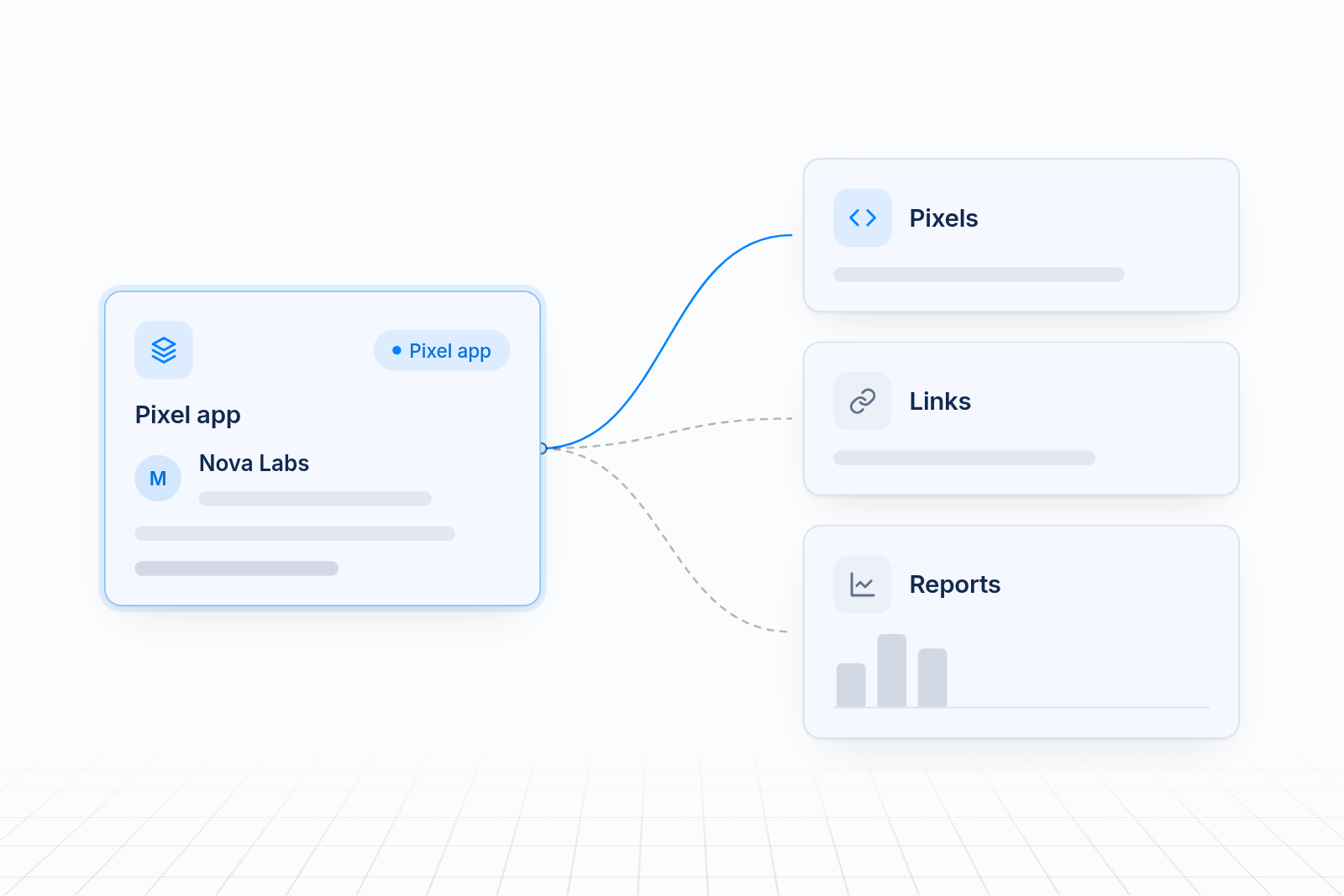
Supported ad platforms
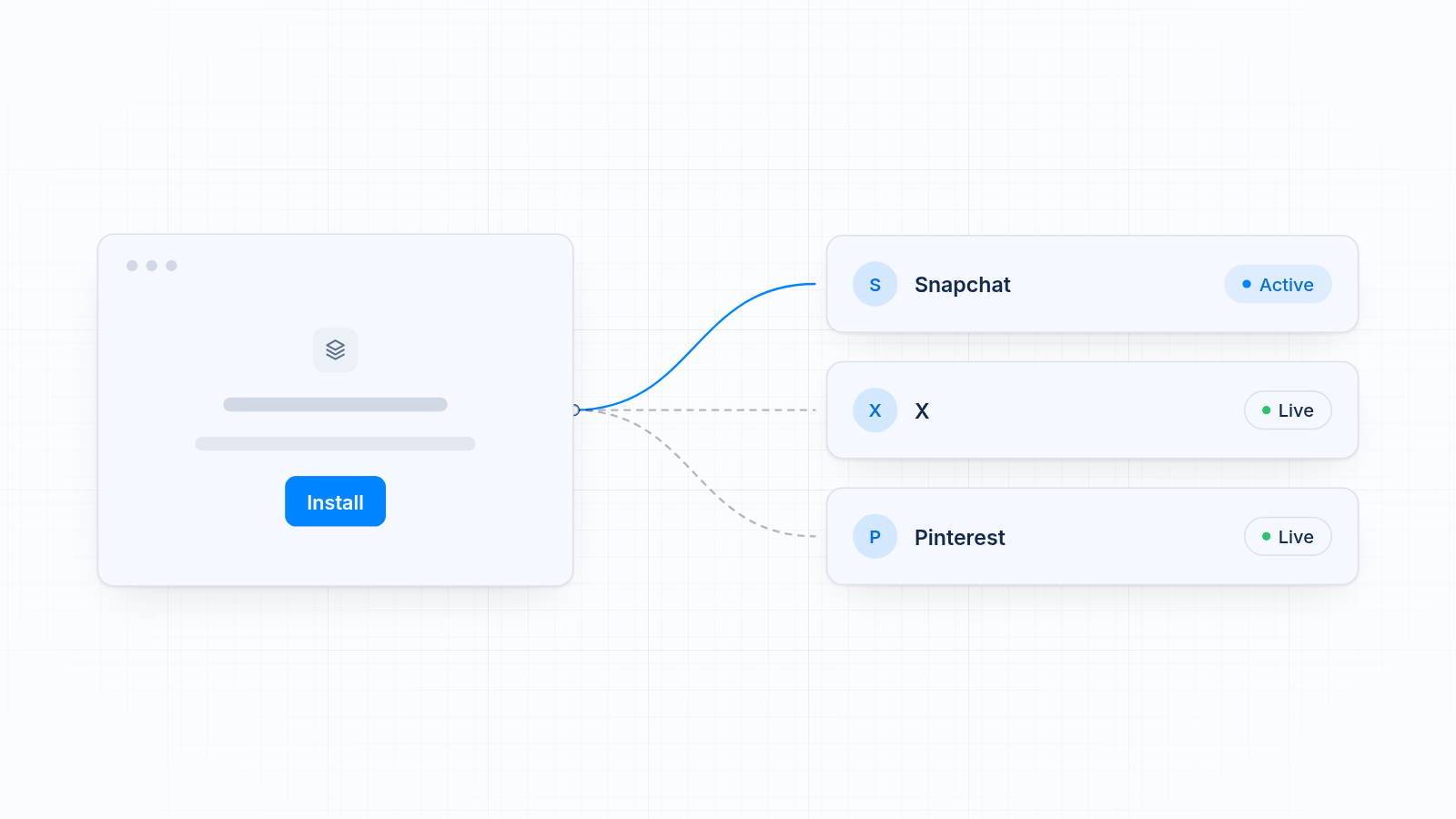
Platform coverage decides whether one app can replace several. MultiPixels covers Facebook, Instagram, TikTok, Snapchat, X and Pinterest. That is a full set for paid social.
Conversios leans toward a mix of analytics and ads. It suits stores that also run Google campaigns and want GA4 data. If most of your budget is paid social, you may never use the extra range. If Google is a big part of your spend, it matters.
utm.io has no ad platform pixels. It tags the links you send to those platforms. That helps with reporting, but it doesn't tell Facebook or TikTok that a sale happened.
List the platforms you run now and any you plan to add. Paying for a second tool later costs more than choosing the right one first. You can see the platforms MultiPixels connects on the integrations page.
Server-side event support
Server-side events send purchase data from a server instead of a browser, so ad blockers and privacy features can't block them. More of your sales reach the ad platform, and it has better data to find buyers. That means better results for the same budget.
Confirm this feature, don't assume it. Ask each app whether it offers server-side events for every platform you use, since support often varies by platform. Check the current MultiPixels listing for what each plan includes. Conversios is known for server-side options, so look closely if this is your top priority.
Pricing for small stores
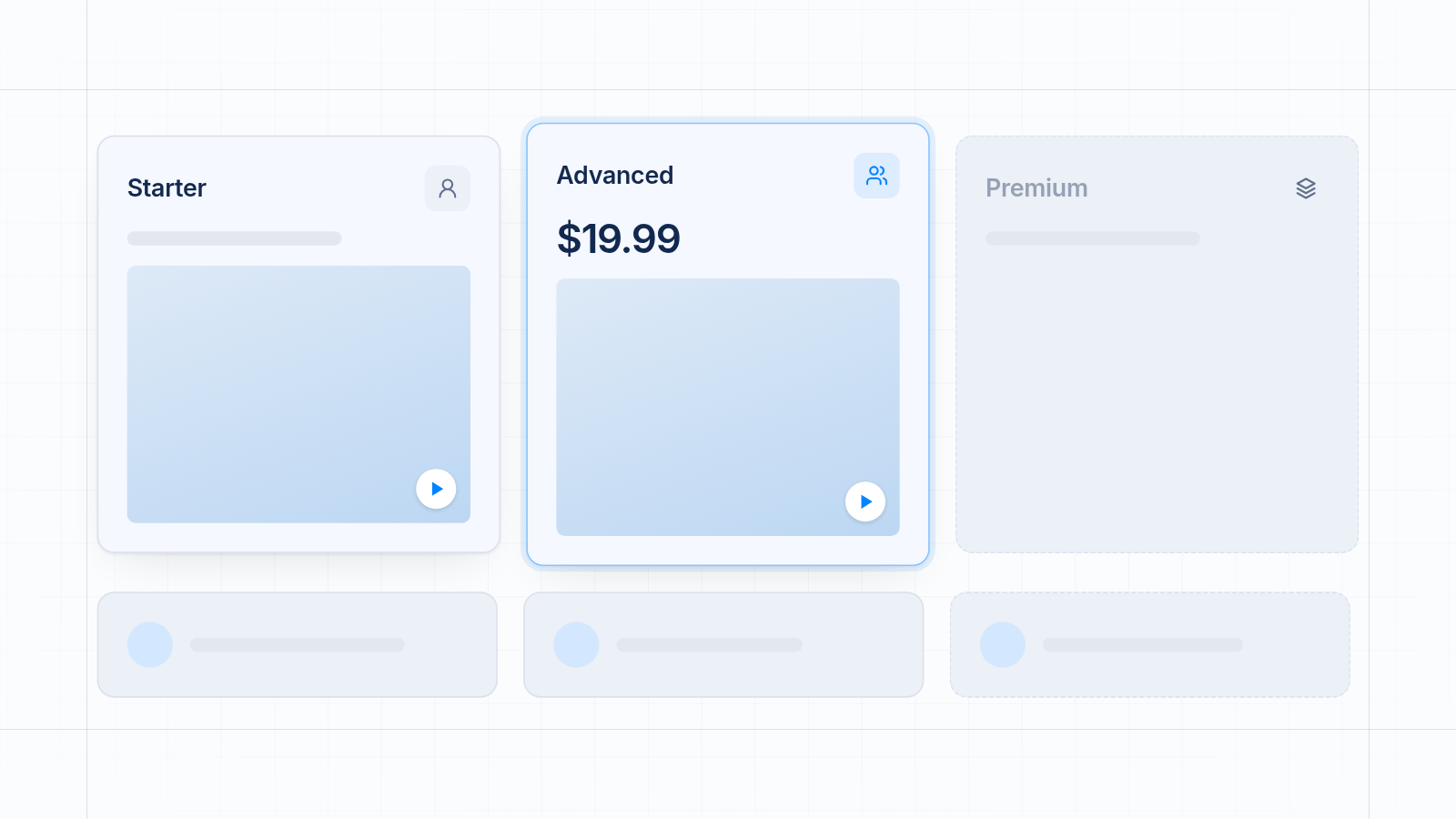
The cheapest Shopify pixel app for small stores is the one whose monthly fee is small next to the ad spend it protects. MultiPixels costs $9.99, $19.99 or $39.99 a month after a 10-day free trial. Starter gives you unlimited pixels to install, track and back up. Advanced adds iOS tracking, a Custom Audience Builder and an FB Lookalikes Builder. Premium is for Shopify Plus.
utm.io has a free starter plan, which is a fair way to test link building. Its paid plans are reported to start at $19 a month. It doesn't run pixels, so a lower price doesn't mean it replaces a pixel app.
Many other pixel apps have free plans with tight limits on orders or pixels. Check the limits before you rely on them. Tracking can stop when you hit a cap, often during a sale when ad spend is highest. For a closer look at app costs, see our pixel manager app pricing comparison.
If you spend $2,000 a month on ads, a $19.99 app is about 1% of that. If it fixes tracking gaps, the fee is easy to justify.
Setup effort without a developer
Setup should take minutes, not a project. MultiPixels installs each pixel through Shopify's customer events, so nothing goes into your theme. You paste in a pixel ID for each platform and save. No code or tech team required. Our guide to adding multiple ad pixels without editing theme code walks through it.
Conversios is guided too, but it has more settings to work through, especially if you connect GA4 and Google Ads. That's useful if you want the depth. It takes longer if you don't.
utm.io is easy to start, since building a link needs no store changes. The work is getting your team to follow the same naming rules. If you're new to tagged links, what UTM parameters are and how to use them covers the basics.
Whatever you choose, remove old pixel code from your theme first. Two installs of the same pixel double your counts and send budget the wrong way.
Fit for agencies managing several stores
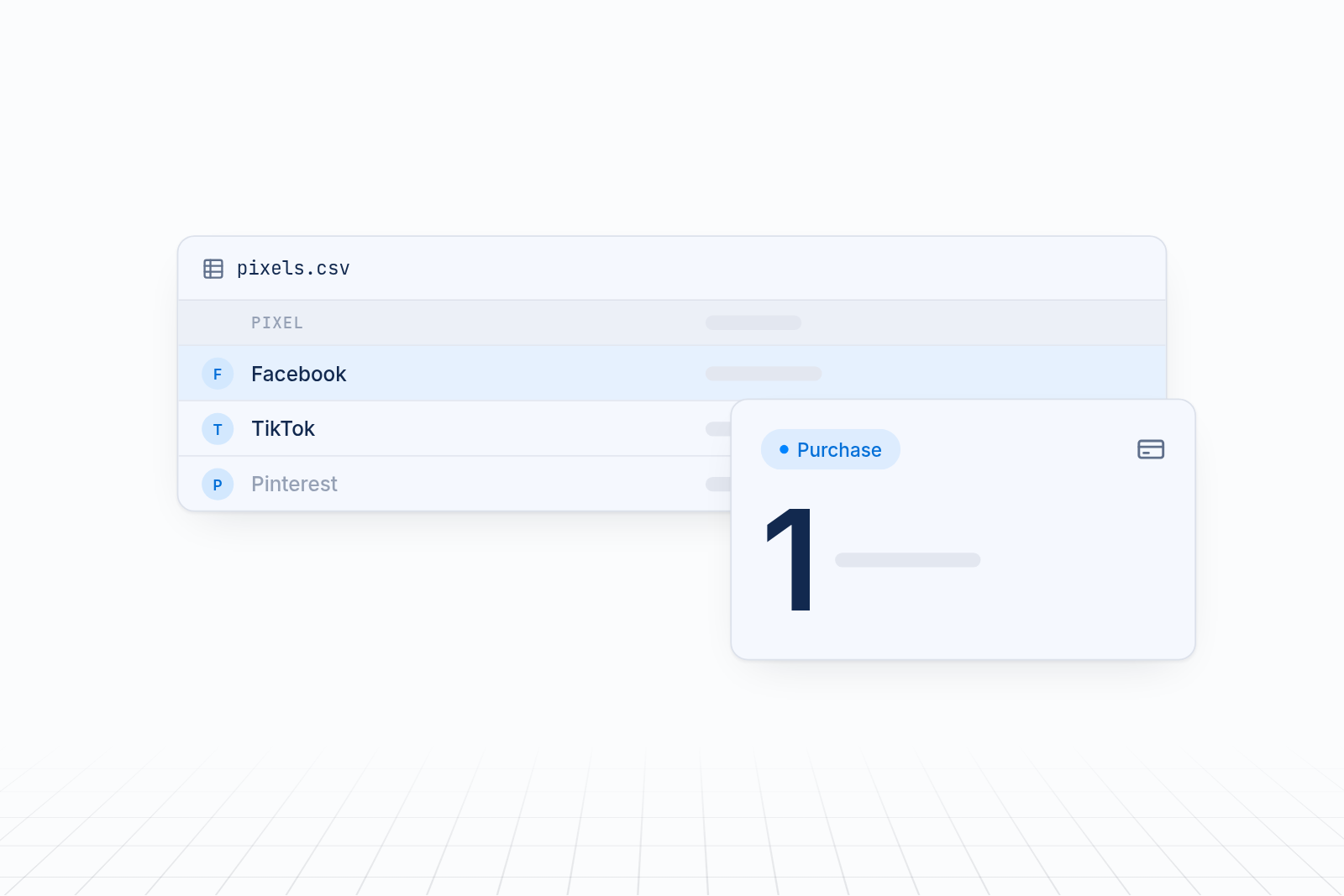
Agencies need a setup that repeats cleanly across stores. MultiPixels keeps each store to one dashboard with a row per platform, so a teammate can see what's installed at a glance. The backup pixel option helps when a client's ad account runs into trouble.
An agency that reports to clients on GA4 may prefer Conversios. An agency that manages many campaigns across large teams may add utm.io for naming rules. These tools can sit next to a pixel app instead of replacing it.
Where MultiPixels fits and where it does not
MultiPixels is a Shopify multi-platform pixel tracking app that fits best for store owners who want a low-cost, no-code way to run social pixels with a backup. It handles pixel setup, backup and audience tools. It doesn't replace your ad platforms or write your ads, and it is a paid app once the trial ends.
A rival fits better in two cases:
- Deep GA4 reporting. Conversios is built with analytics in mind.
- Heavy UTM link management. utm.io is built for link naming rules and shared templates.
How to choose
Match the tool to the problem that costs you the most.
- If sales are missing in your ad platforms, pick a pixel app.
- If you can't tell which campaign drove a sale, add a UTM tool or reporting tool.
- If you run several social platforms on a small budget, MultiPixels is a good place to start.
- If GA4 is central, look hard at Conversios.
Use the free trial to place a test order. Check that page views, add to cart, checkout and purchase each fire once.
Try MultiPixels free for 10 days
If you want accurate pixel tracking without a developer, install the MultiPixels app from Shopify and start your 10-day free trial.