How much does Shopify pixel manager app cost pricing compared: about $8 to $40 a month on most paid plans, and many apps offer a free plan with tight limits. MultiPixels costs $9.99, $19.99 or $39.99 a month after a 10-day free trial. This post compares the common pricing models, explains which limits matter, and shows how to judge the fee against your ad spend. No code or tech team required.
Key takeaways
Pixel apps for Facebook, TikTok and Snapchat usually cost between $0 and $40 a month, depending on the plan.
Free plans tend to cap pixels or orders, so check the limits before you rely on them.
The limits that matter most are number of pixels, platforms supported, event volume and backup pixel support.
MultiPixels plans are $9.99, $19.99 and $39.99 a month after a 10-day free trial.
Compare the monthly fee with your ad spend. Bad tracking data can cost far more than the app.
Shopify pixel manager app cost range
An app for managing Facebook, TikTok and Snapchat pixels typically costs between free and about $40 a month. Free plans usually allow one pixel or a small number of orders. Paid plans lift those limits and add things like more platforms, audience tools and backup pixels.
Prices on the Shopify App Store vary by app and they change. Check each listing for current plan details before you decide. The ranges below are a general guide, not a quote for any one app.
The common pricing models
Pixel apps usually charge in one of five ways: free, low-cost flat plans, tiered plans, volume-based plans, or enterprise tools. Each suits a different kind of store.
| Model | Typical cost | What you usually get | Where it falls short |
|---|---|---|---|
| Free plan | $0 | One pixel, a small order cap, basic reports | Caps hit fast once ads are working |
| Low-cost flat plan | Under $10 a month | Several pixels across platforms | Fewer extras, such as audience tools |
| Tiered plans | About $10 to $40 a month | More pixels, more platforms, audience building, Shopify Plus support | You pay for tiers you may not need |
| Volume-based plans | Rises with orders tracked | Lower entry price for small stores | Fee climbs as you grow |
| Enterprise tools | Well above $100 a month | Heavy tag management for large brands | Overkill for most stores |
Free apps with tight limits
Free plans are a fair way to test an app. They are rarely enough for a store running ads on several platforms. Common limits are one pixel, a monthly order cap, or one platform only. Once you pass the cap, tracking stops or you must upgrade.
Shopify's own sales channel apps for Meta, TikTok and Snapchat are free too. They connect one pixel per platform, so they are a sensible start if that is all you need.
Paid monthly plans
Paid plans remove the caps and add tools. Entry plans often give you unlimited or several pixels. Higher plans add audience builders, iOS tracking, catalog updates and Shopify Plus support. Many apps also discount yearly payment.
The limits that matter most
Four limits decide whether a plan fits your store: pixel count, platforms supported, event volume and backup pixel support. Check these before you compare price.
Number of pixels
If you run more than one ad account or pixel per platform, a one-pixel cap won't work. Look for plans that allow several or unlimited pixels. Our guide on adding multiple Facebook pixels in Shopify shows how that works.
Platforms supported
Some apps cover only Facebook and TikTok. Others add Snapchat, Pinterest and X. If you might add a platform later, pick an app that already supports it so you don't pay for a second tool.
Event volume
Some plans cap the orders or events they track each month. A cap that looks fine in a slow month can cut off your data during a sale. Those are the weeks you spend the most on ads, so missing data costs the most then.
Backup pixel support
A backup pixel keeps collecting data if an ad account is restricted or blocked. Without one, you can lose your history and restart learning from zero. Check that a plan lets you add more than one pixel per platform.
MultiPixels pricing
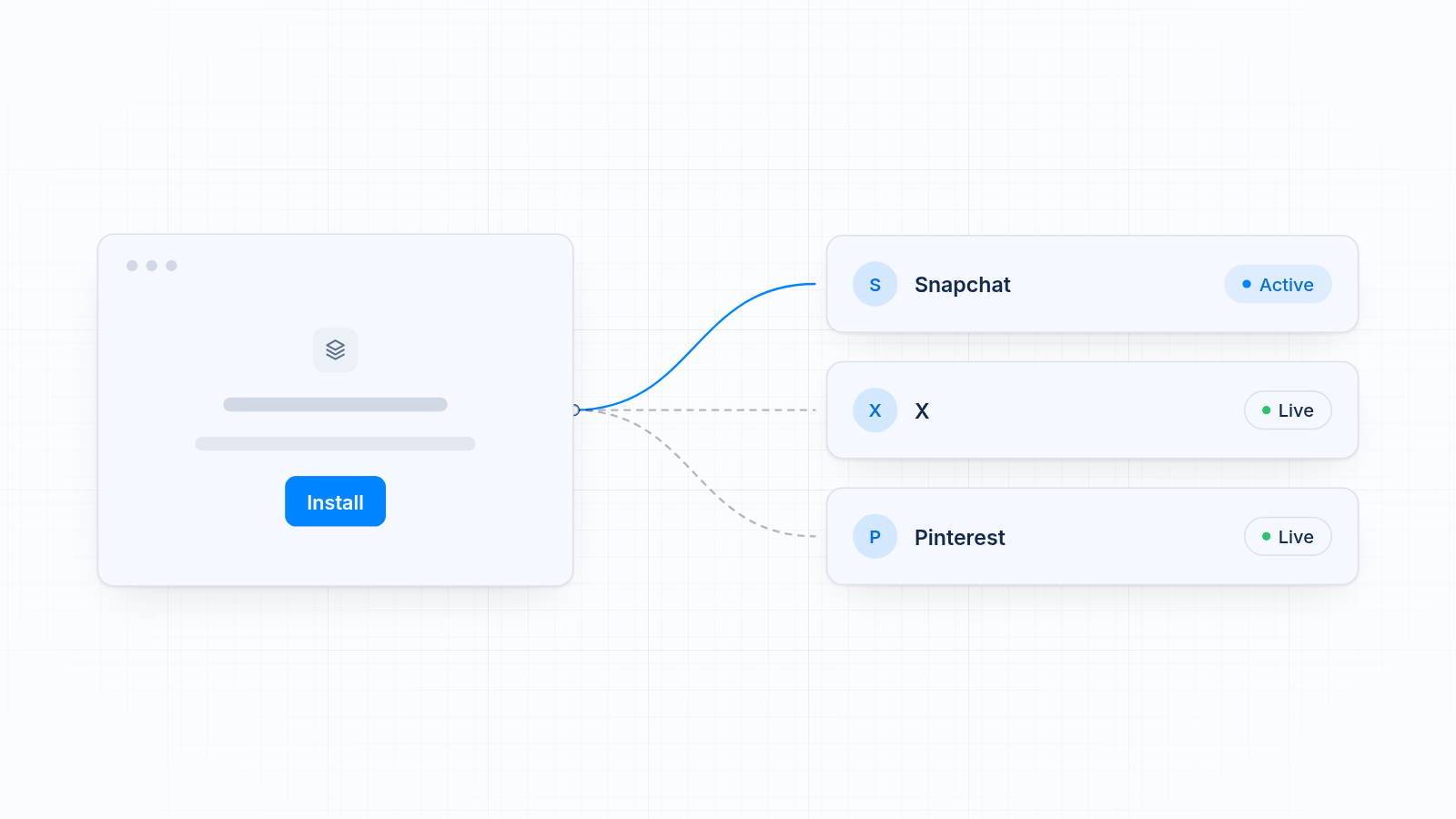
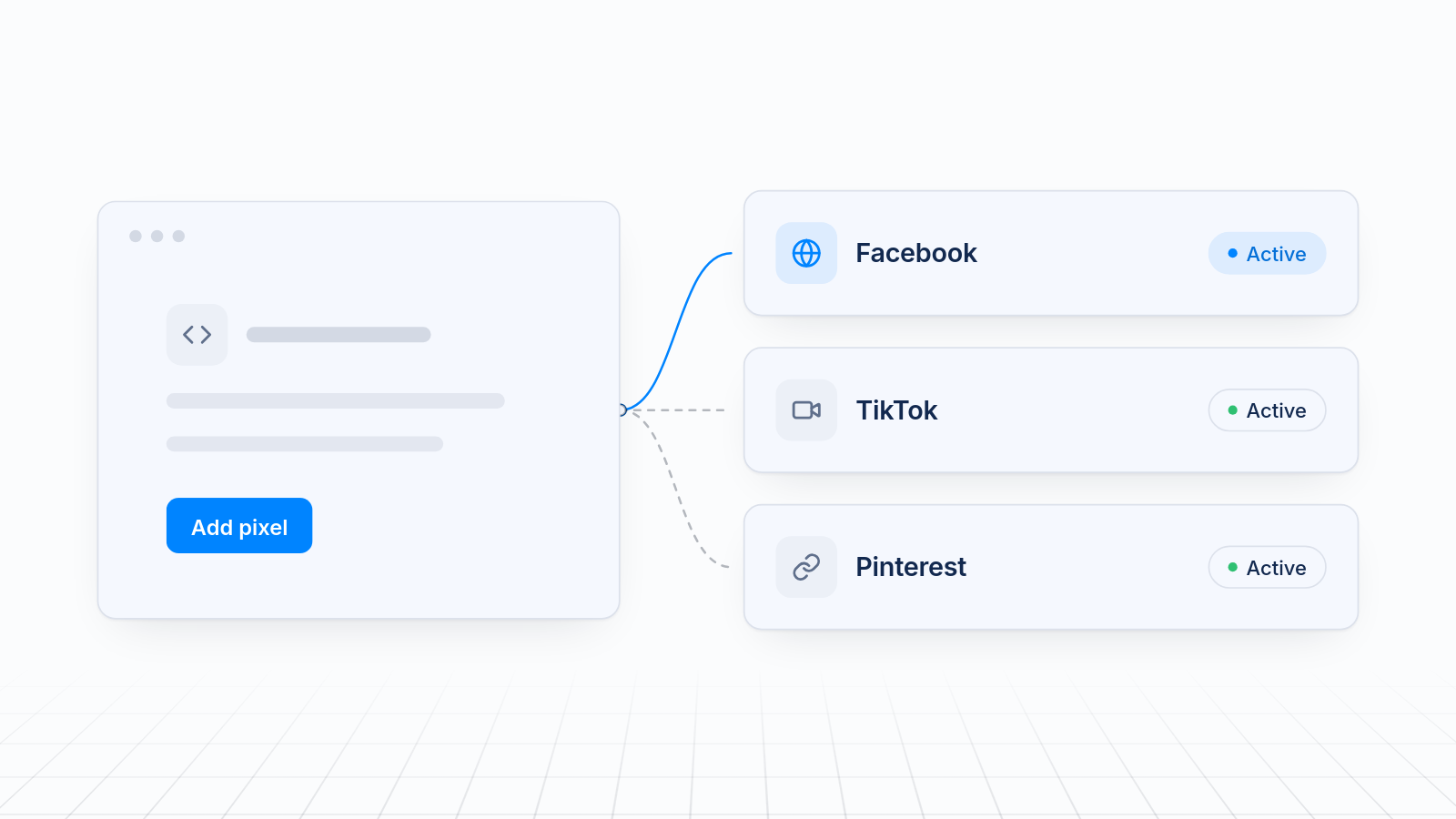
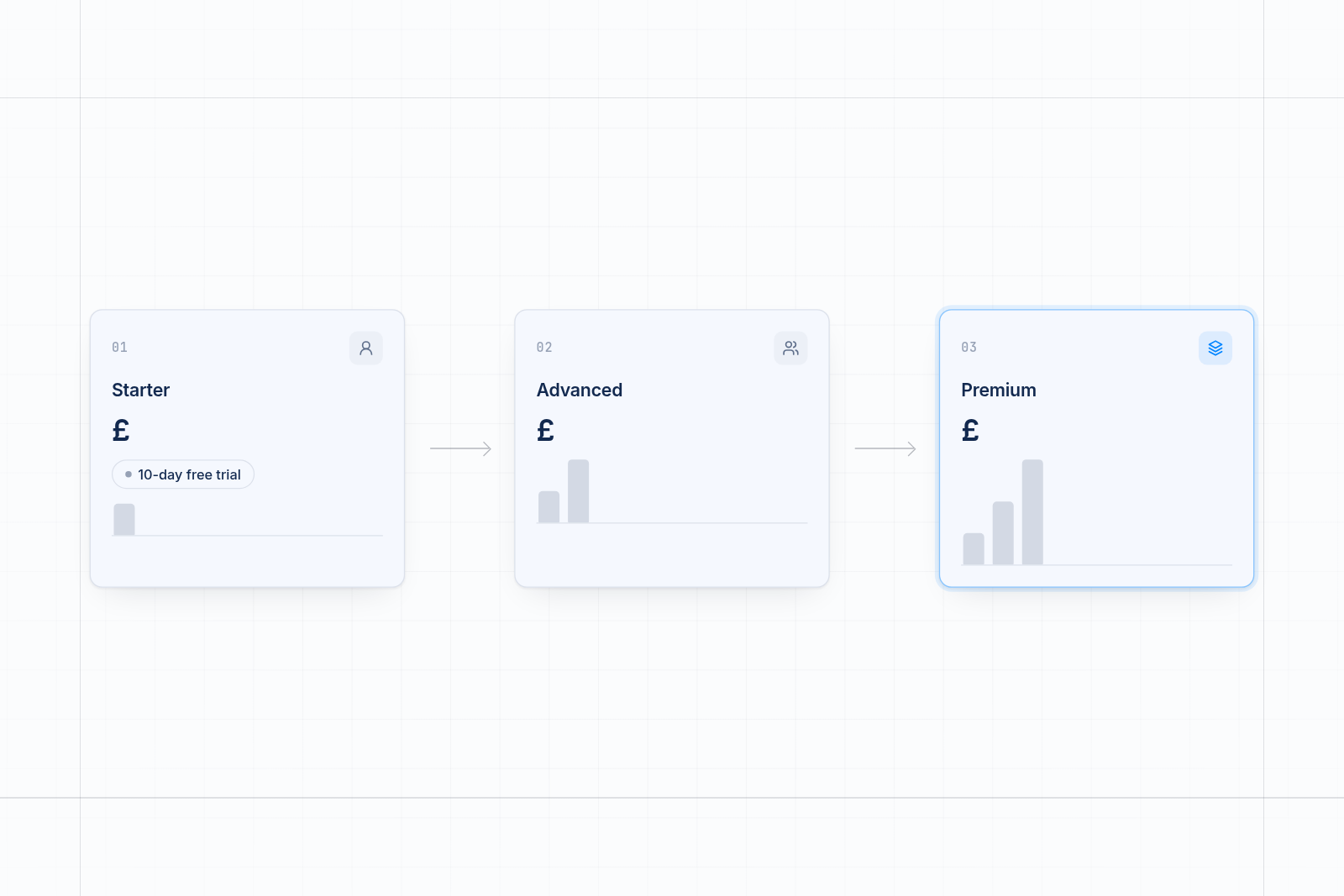
MultiPixels has three plans: $9.99, $19.99 and $39.99 a month, each with a 10-day free trial. The app installs and manages Facebook, Instagram, TikTok, Snapchat, X and Pinterest pixels from one dashboard.
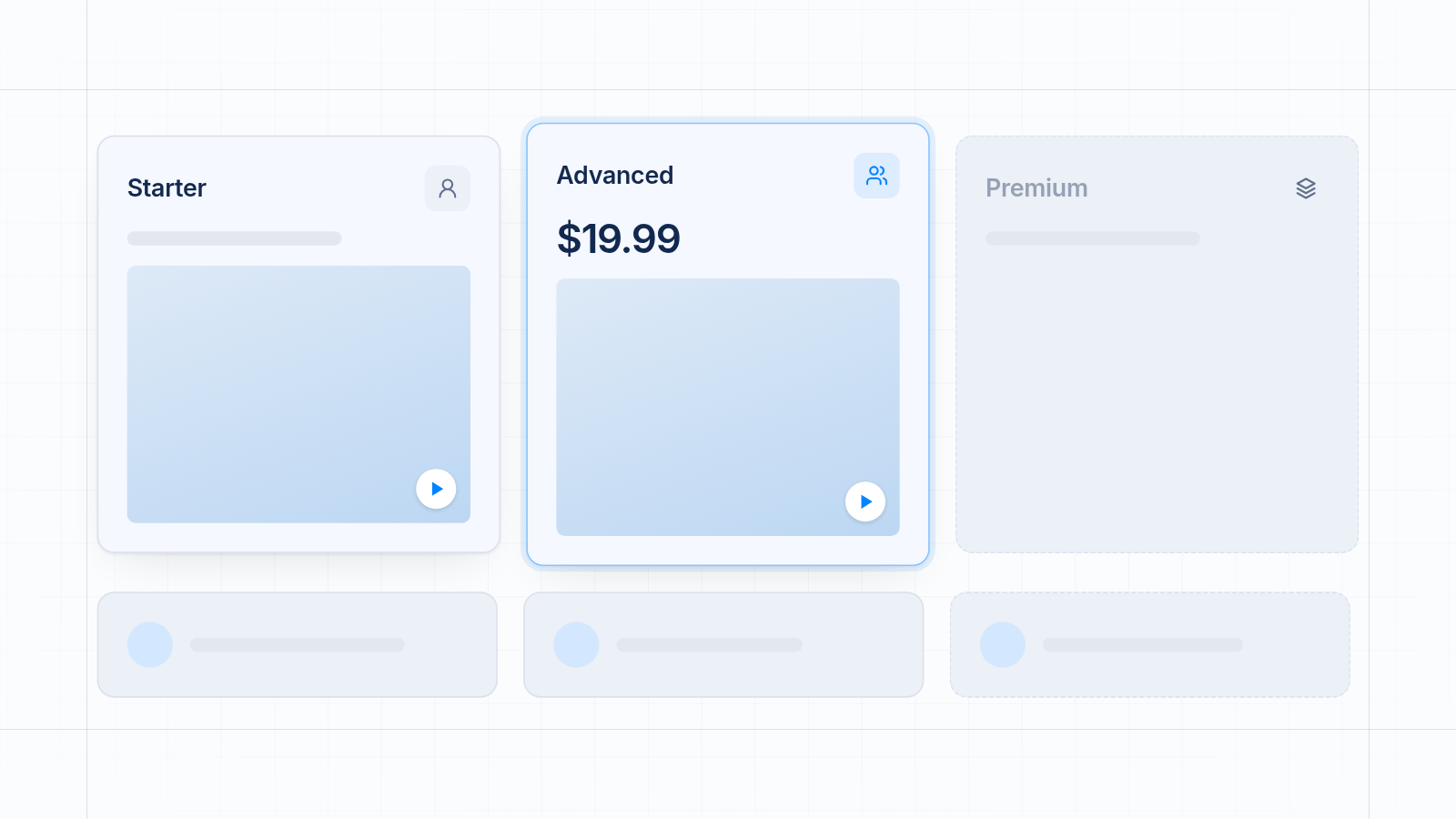
| Plan | Price | What it includes |
|---|---|---|
| Starter | $9.99 a month | Unlimited pixels to install, track and back up. Pixels for collections, products and pages. Automatic updates to your Facebook catalog |
| Advanced | $19.99 a month | Everything in Starter, plus iOS tracking, a Custom Audience Builder and an FB Lookalikes Builder |
| Premium | $39.99 a month | Everything in Advanced, for Shopify Plus |
All charges are billed in USD. You can see the full product at MultiPixels.
How the plans compare
Starter covers store owners who need several pixels installed and backed up. Advanced suits stores that build lookalike audiences from purchase data and want iOS tracking. Premium is for Shopify Plus stores.
MultiPixels doesn't replace your ad platforms or write your ads. It handles pixel setup, backup and audience tools. It is also a paid app once the trial ends.
How to judge value against ad spend
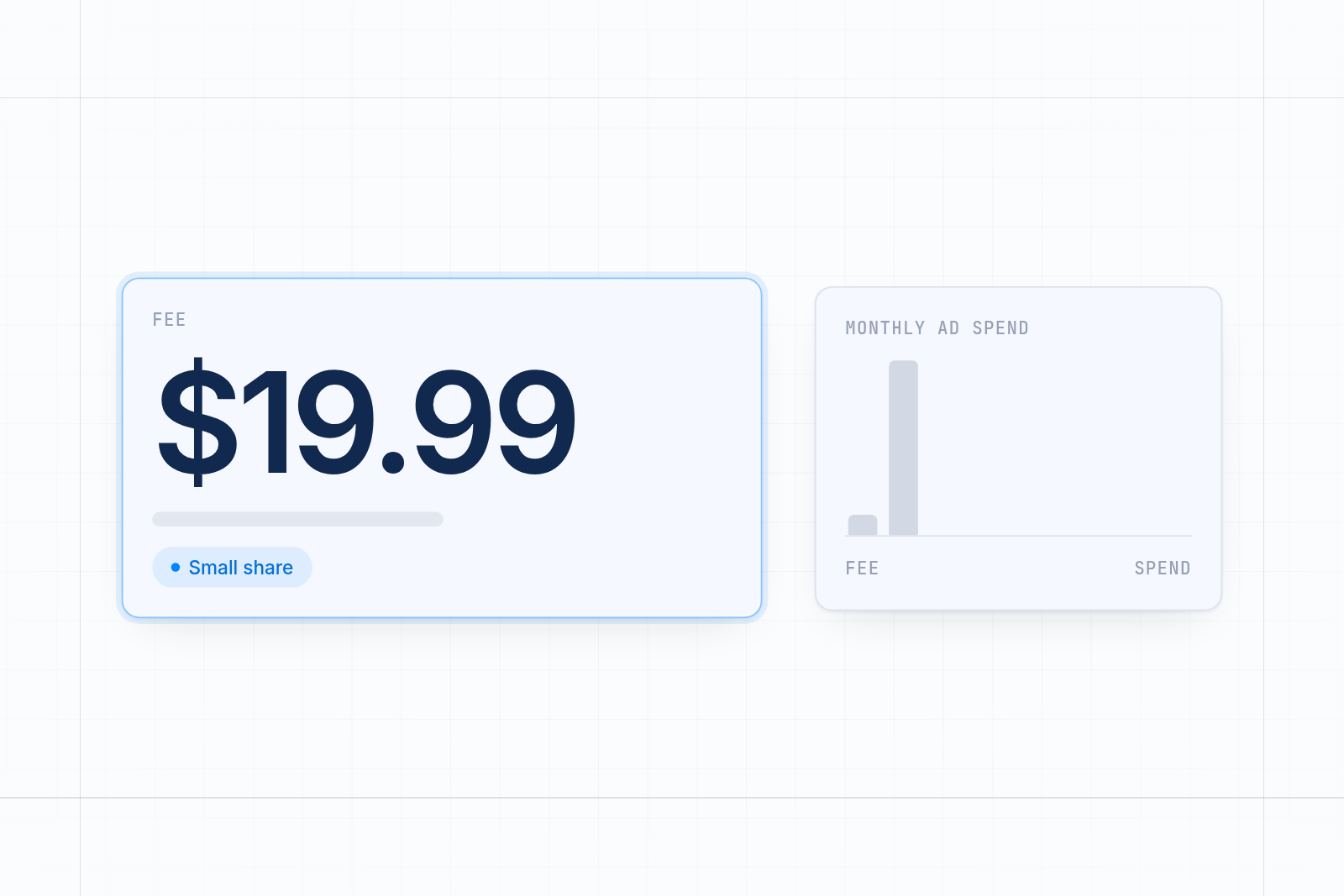
Compare the fee with the money your pixels protect. If you spend $2,000 a month on ads, a $19.99 app is about 1% of that. If it fixes tracking gaps that make your ads optimize on bad data, it pays for itself quickly.
Try this simple check:
- Write down your monthly ad spend across all platforms.
- Divide the app fee by that number to see what share it is.
- Ask how much of your spend goes to clicks the platform cannot learn from, because purchases are missing or doubled.
- If even a small share of your spend is wasted on bad data, the fee is easy to justify.
You don't need exact numbers. When tracking is wrong, your ad platform learns from thin data and you pay for it. A pixel app that gets the data right gives your budget a better chance to work. If your numbers already disagree, see how to fix a pixel and Shopify analytics data mismatch.
The hidden cost of free tools and developers
Free tools and developers cost you time, risk and missed data even when the sticker price is low. None of it shows up on an invoice.
Free tools
A free plan that caps your orders or pixels can stop tracking when you need it most. You may also end up running several free apps, one per platform, each with its own setup and upkeep. Time spent fixing that is time away from running your store.
Hiring a developer
A developer can paste pixel code into your theme, but that code does not run on checkout and can break when your theme updates. Each change is a new bill. Old code left behind can also cause double counting. For most stores, an app costs far less and needs no code or tech team. You can also add multiple ad pixels without editing theme code.
How to choose a plan
Start with the platforms you run and the features you need today. Then pick the lowest plan that covers them.
- One platform, one pixel: the free channel app may be enough.
- Two or more platforms, or a backup pixel: a paid pixel app saves setup time and gives you one place to see everything.
- Audience building and iOS tracking: look at a mid-tier plan such as MultiPixels Advanced.
- Shopify Plus: choose a plan built for it, such as Premium.
Use the free trial to test with a real order before you pay.
Install MultiPixels and start your free trial
Pixel apps cost less than most store owners expect, and the right plan pays for itself when it cuts wasted ad spend. Install the MultiPixels app from Shopify and start the 10-day free trial to see how it works on your store.