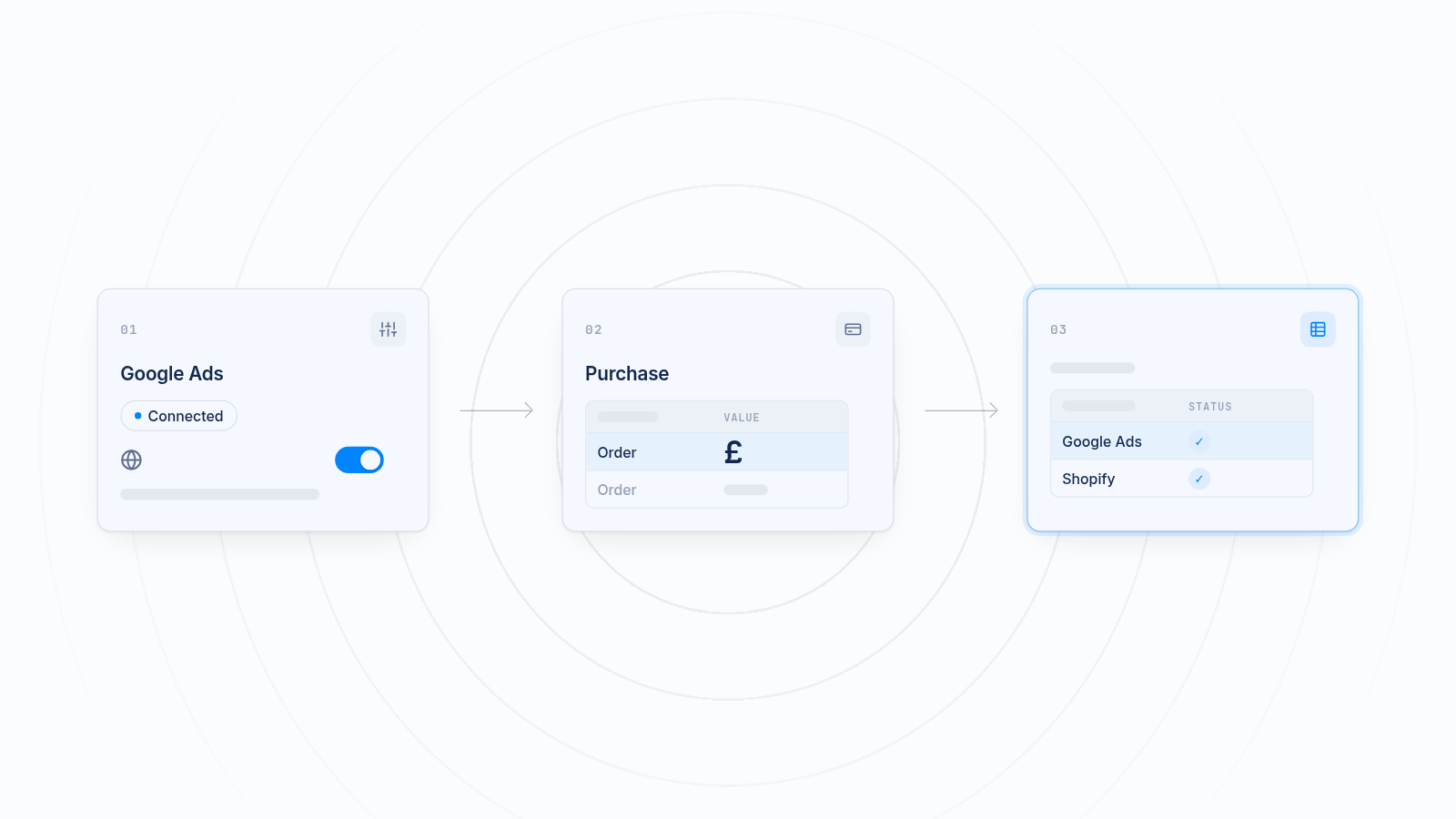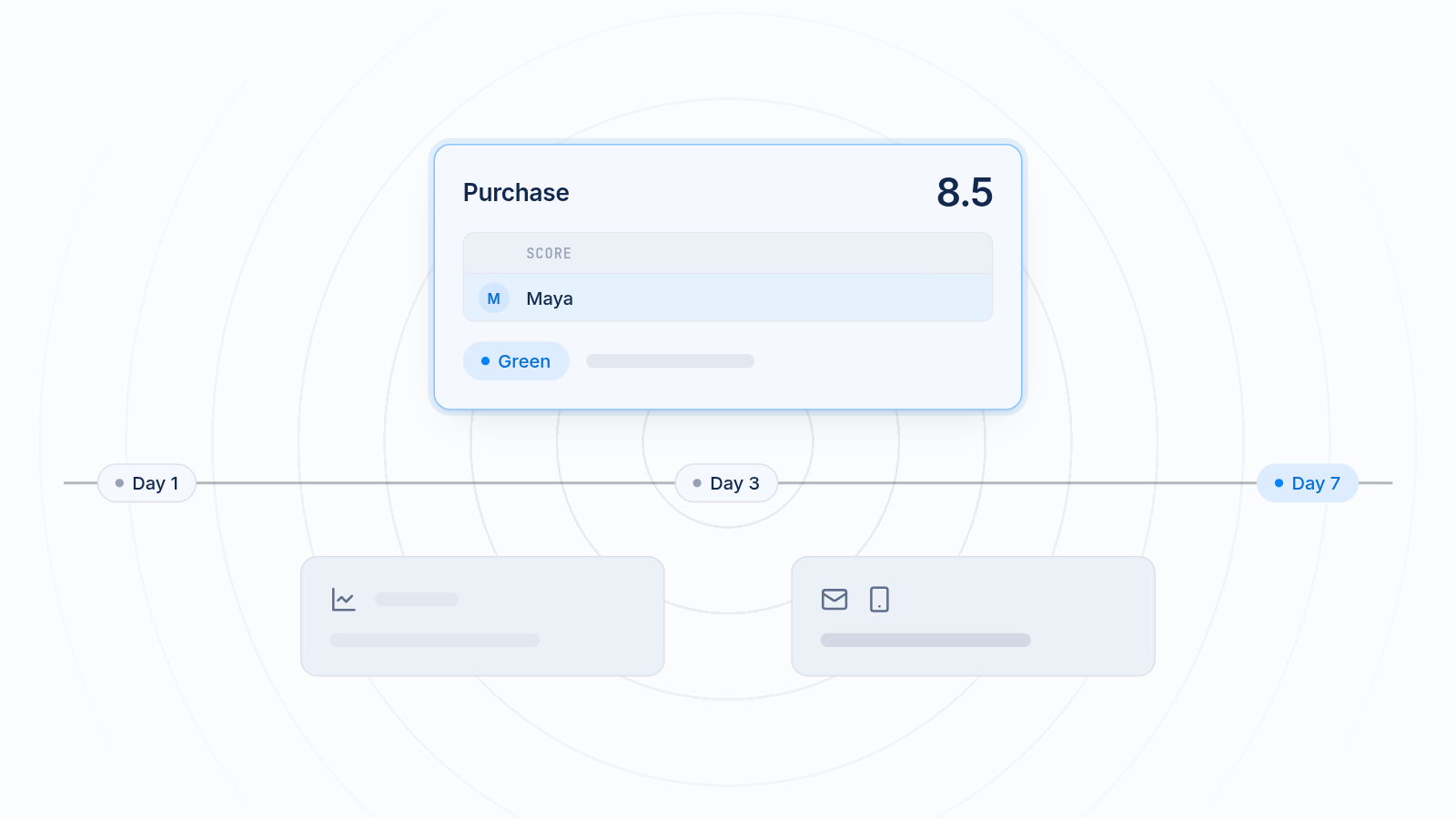
To raise Meta Event Match Quality on Shopify, send more customer details with each Conversions API event, pass the fbp and fbc browser values, and make sure the browser pixel and the server events share one event ID so purchases aren't counted twice. Email and phone give the biggest lift. Name, address and the two browser values add more. You can do all of this without code or a tech team.
This guide is for stores that already send Conversions API events but see a low score in Meta Events Manager. It covers what the score measures, which fields Shopify can pass, how deduplication works, and what score to aim for on each event.
Key takeaways
Event Match Quality shows how well Meta can tie each event to a real person. Low scores mean wasted ad spend and weaker optimization.
Email and phone lift the score the most. Name, address, fbp and fbc add to it.
Deduplication keeps the browser pixel and Conversions API from double counting one purchase.
Purchase can reach a higher score than View Content, because you know more about a buyer than a browser.
MultiPixels sends these fields for you, with no code or tech team required.
What does Event Match Quality measure?
Event Match Quality, or EMQ, measures how well Meta can connect each event you send to a real person with a Meta account. Events Manager shows it as a score from 0 to 10 for each event.
Every event arrives with some details about the shopper. Meta compares those details with its own user data. The more details you send, and the cleaner they are, the more events Meta can match.
This affects your budget. Meta learns from the events it can match. If it can't tell who bought, it can't credit the right ad, and your campaigns optimize on weak signals. Your lookalike audiences also get built from thinner data. You keep paying for clicks while the system learns less about your best customers.
The score is a guide, not a goal in itself. A higher score usually means better attribution and better delivery. It doesn't guarantee lower costs.
Why a low score wastes ad spend
A low score means Meta can't link many of your sales to the ads that drove them. That hurts in three ways:
- Wasted ad spend. Ads that drove sales look like they drove nothing, so you may cut the ones that work.
- Weaker optimization. Meta aims your ads using the purchase data it can match. Less matched data means less accurate aiming.
- Poorer lookalike audiences. A lookalike is only as good as the customer list behind it. Unmatched buyers can't help build it.
If your Meta numbers also don't line up with Shopify, a low score is one common cause worth checking first. Our guide to fixing pixel and Shopify analytics data mismatch covers the other causes.
Which customer fields can Shopify pass to Meta?
Shopify can pass email, phone, name, address, fbp and fbc. Each gives Meta another way to recognize the shopper, and each lifts the score by a different amount.
| Field | What it is | How it lifts the score |
|---|---|---|
| The address the customer enters | Strongest single signal for most stores | |
| Phone | The number the customer enters | Strong, and helpful when the email doesn't match a Meta account |
| First and last name | Entered at checkout | Adds confidence when paired with other fields |
| Address | City, state, ZIP and country | Helps Meta confirm the match |
| fbp | A browser value Meta sets | Links the event to a browser Meta has seen before |
| fbc | A click value Meta sets after an ad click | Links the sale to the exact ad click |
Meta hashes personal details before they leave your store, so Meta doesn't receive them in plain text. You don't need to handle that yourself when you use an app built for it.
Email and phone
Email and phone do most of the work. Send both whenever you have them. A shopper may use one email for Meta and another for your store, but a phone number can still match.
Name and address
Name, city, state, ZIP and country are weaker alone. Together with email or phone, they help Meta pick the right person when details are close. Send them on every event where you have them.
fbp and fbc
Many stores skip these two browser values. The fbp value identifies the browser. The fbc value appears after someone clicks a Meta ad, and it ties the visit to that click. Send both with each server event. They help most early in the shopping path, when you don't yet have an email.
How does deduplication work with the browser pixel?
Deduplication lets Meta recognize that a browser event and a server event describe the same action, so it counts the action once. Without it, one purchase can show up twice and inflate your results.
Meta recommends sending events from both the browser pixel and the Conversions API. If one path loses a signal, such as when a browser blocks the pixel, the other is a backup. The trade-off is that the same event can arrive twice.
To avoid that, each pair of events carries the same event name and the same event ID. Meta sees the match and keeps one. If the IDs differ, or one is missing, Meta can't tell they are the same, and you get double counting.
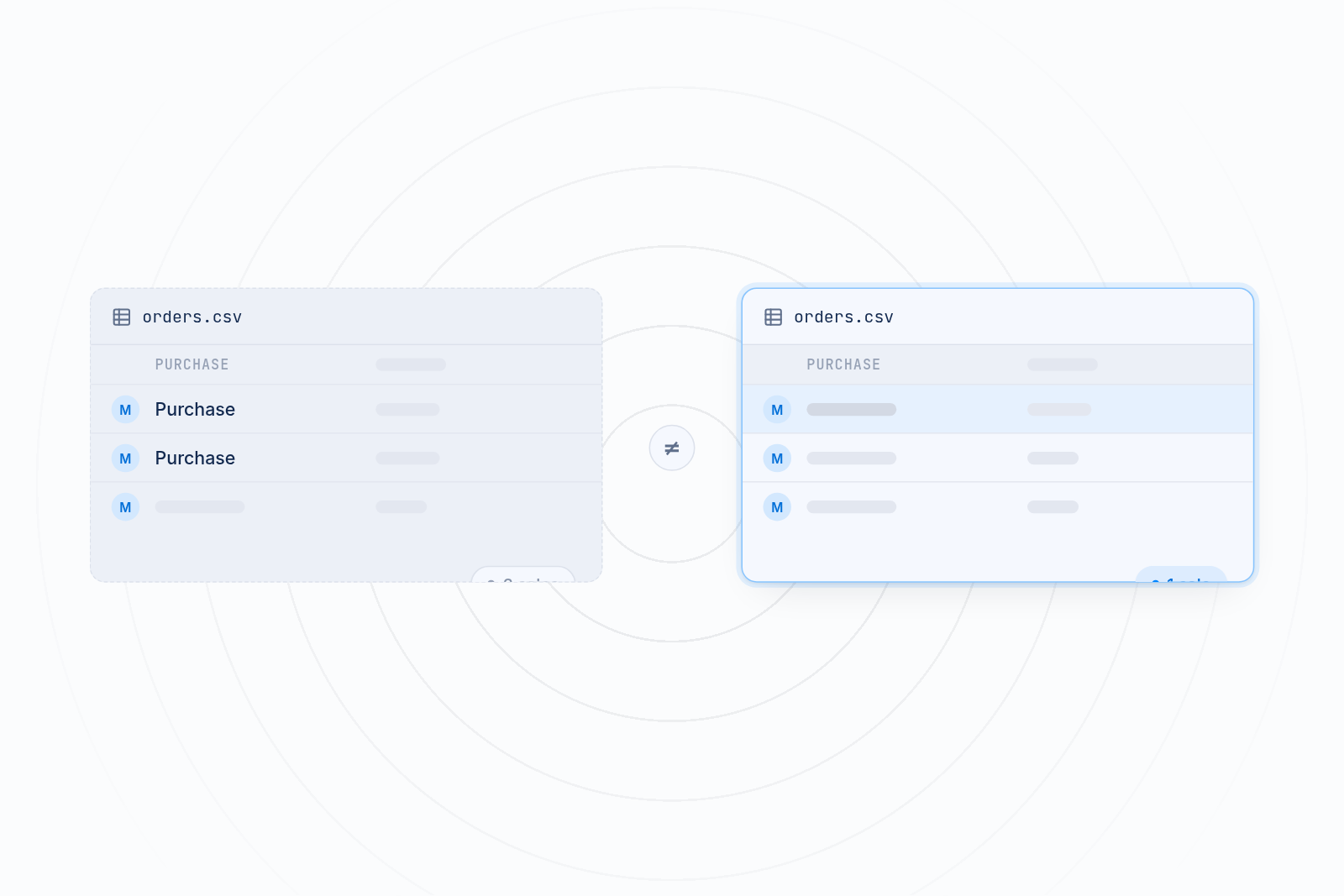
Check this in Events Manager. Open your pixel, look at the event, and review the deduplication details Meta shows. If browser and server counts both look high compared with Shopify, deduplication may be broken. Also remove any old pixel code from your theme and any second app that sends the same events. Extra installs are a common cause of duplicates.
What is a good Event Match Quality score?
A good Event Match Quality score is 8.0 or higher for Purchase, and lower for earlier events such as View Content. Use the ranges below as realistic targets, not rules from Meta.
| Event | Realistic target | Why |
|---|---|---|
| Purchase | 8.0 or higher | Checkout gives you email, phone, name and address |
| Initiate Checkout | 6.0 to 8.0 | Contact details are often entered by this point |
| Add to Cart | 4.0 to 6.0 | Often only browser values until the shopper signs in |
| View Content | 3.0 to 5.0 | Most visitors are anonymous, so fbp and fbc carry the match |
These targets are based on how much you know about a shopper at each step. Your own scores may differ. Meta's own labels (poor, okay, good, great) are the better reference, so aim for the higher labels on each event.
Focus on Purchase first. It feeds optimization and reporting more than any other event, and it is the one you can lift most.
How to raise your score step by step
Three steps: send more fields, keep the browser values, and fix duplicates. Work in this order.
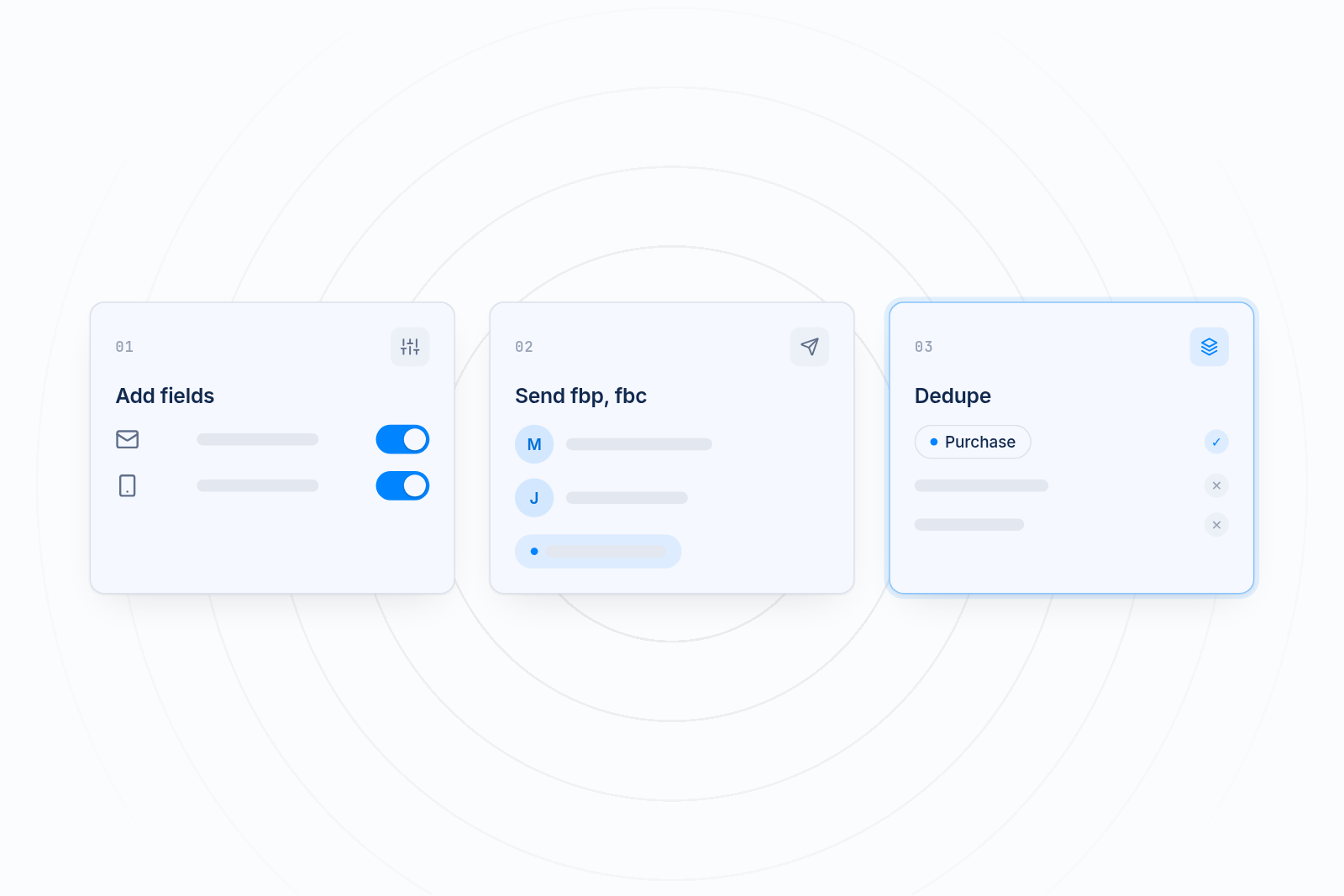
Step 1: Send more customer fields
Open Events Manager, choose your pixel, and look at the event's match details. Meta lists which fields it received and how often. Find the ones with low coverage. Then make sure your setup sends email, phone, name and address on every event where you have them.
Step 2: Pass fbp and fbc
Confirm that each server event includes both browser values. If a consent banner is blocking your pixels or a cache setting blocks the cookies, they won't arrive. Check that shoppers who accept tracking send these values through.
Step 3: Fix deduplication
Keep one install of each pixel. Make sure browser and server events use the same event name and event ID. Then compare your Meta purchase count with Shopify over the same dates. They won't match exactly, but they should be close.
How MultiPixels sends these fields
MultiPixels sends the customer fields and browser values for you, so you don't write code or ask a developer. You install the app from Shopify, connect your Facebook pixel, and the app handles the setup.
Here is how it compares:
| Option | What it does | Where it falls short |
|---|---|---|
| Shopify's default Meta setup | Connects one pixel and sends standard events | Limited control and fewer places to check what is sent |
| Manual Conversions API setup | Full control over every field | Needs code and a developer, and a small mistake can double count |
| MultiPixels | Installs and manages pixels, sends customer fields, fbp and fbc, and keeps a backup pixel running. No code or tech team required | Doesn't write your ads or replace your ad accounts |
MultiPixels also manages TikTok, Snapchat, X and Pinterest pixels from the same dashboard. Higher plans include a Custom Audience Builder and an FB Lookalikes Builder, which get better as your matched data improves. Plans cost $9.99, $19.99 or $39.99 a month after a 10-day free trial.
Checklist to raise your score
Use this checklist to check each event, send every field you have, and clear out duplicates.
- Check each event's score in Meta Events Manager.
- Send email and phone on every event where you have them.
- Send name, city, state, ZIP and country too.
- Pass fbp and fbc with each server event.
- Use one event name and one event ID for each browser and server pair.
- Remove old pixel code and extra apps that send the same events.
- Compare Meta purchases with Shopify orders over the same dates.
- Recheck scores after a few days, since Meta updates them over time.
Start raising your score today
A better Event Match Quality score means fewer wasted clicks and clearer results from your Meta ads. Install the MultiPixels app from Shopify and start the 10-day free trial to send these fields with no code or tech team required.