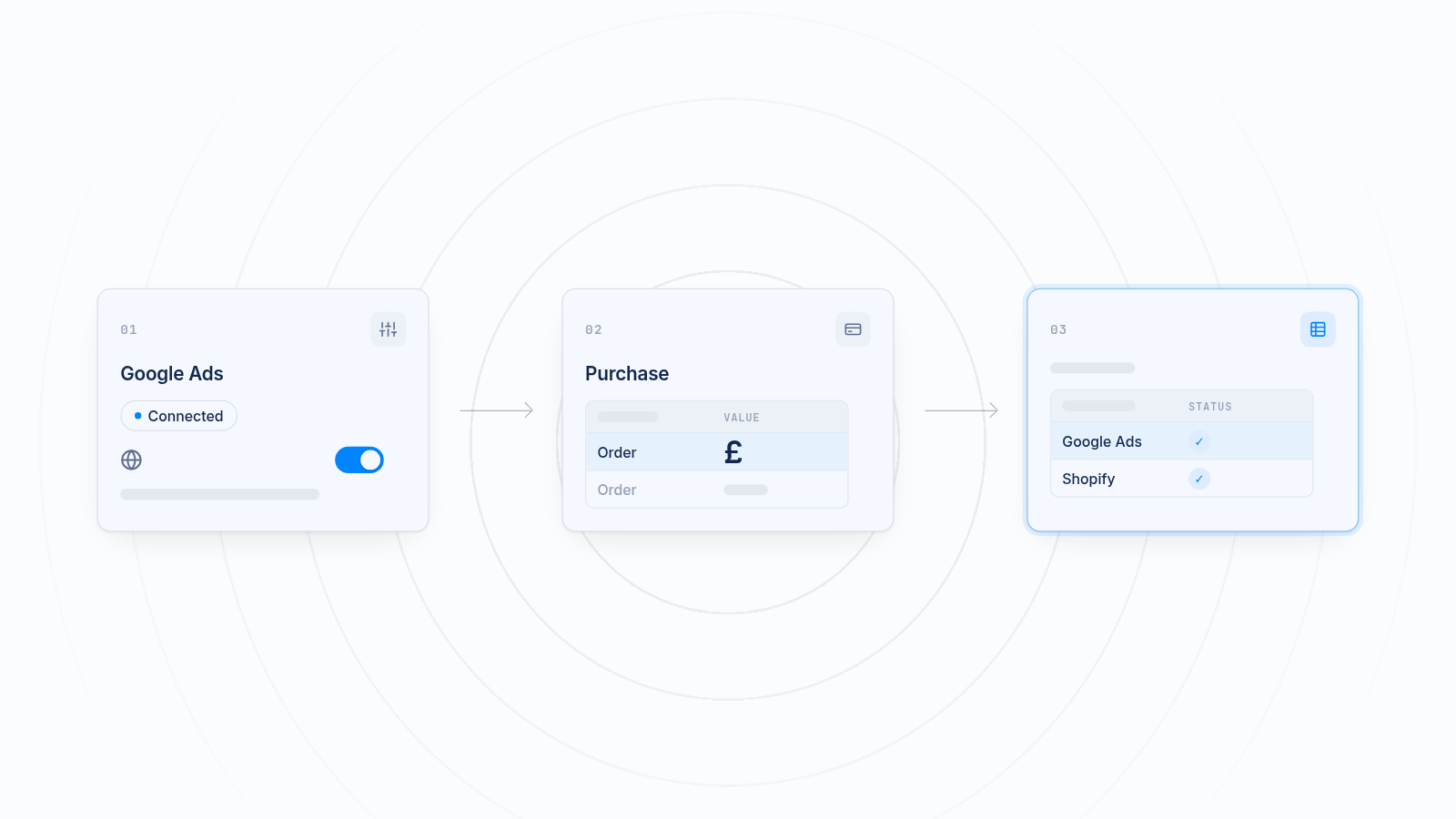
Remarketing vs retargeting comes up in every conversation about winning back shoppers, and the two words are often used for the same thing. Most marketers split them like this: retargeting shows paid ads to people who visited your store and left, and remarketing contacts people you already know, usually by email or SMS, to bring them back.
This guide covers that split, why the ad platforms blur it, and how a Shopify store sets up each one.
Key takeaways
- Retargeting shows ads to visitors who did not buy, using a tracking pixel and ad audiences.
- Remarketing contacts known customers and subscribers, mostly by email or SMS.
- Google Ads calls its visitor ads "remarketing", so the words overlap in practice. Check what each tool means.
- Retargeting needs a working pixel on your store. Remarketing needs a list of contacts who agreed to hear from you.
- Most stores run both: ads to bring visitors back, emails to keep customers buying.
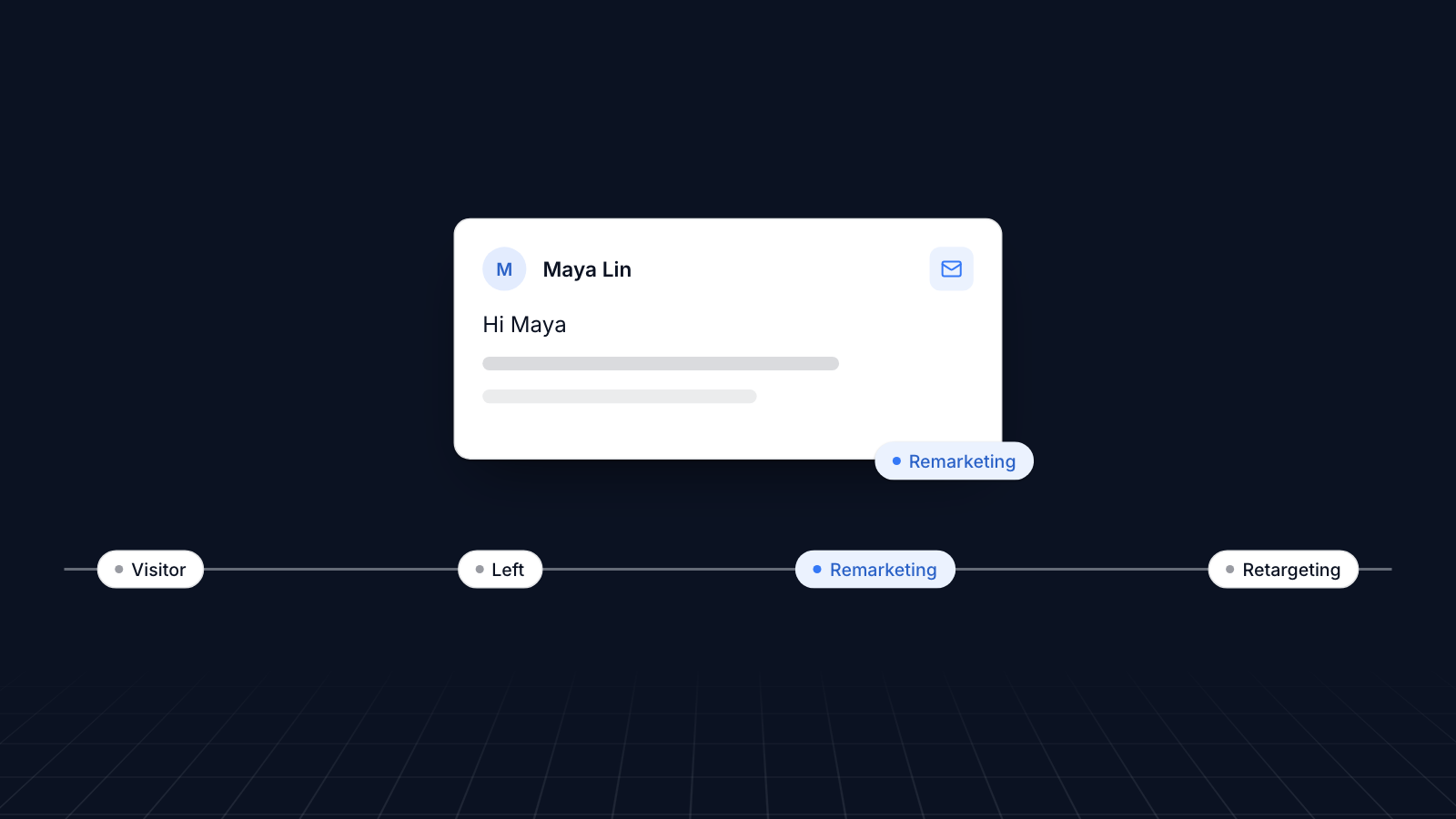
Definition of Remarketing and Retargeting
Remarketing re-engages people you already have a relationship with, and retargeting follows up with visitors who left without buying.
Remarketing reaches existing customers and leads, usually by email, SMS or other direct messages, based on what they did before: what they bought, what they looked at, when they last ordered. It is used for repeat purchases, win-back offers and loyalty.
Retargeting shows ads to people who visited your site but did not convert. A tracking pixel on your store records the visit, and the ad platform then shows those people your ads while they browse other sites or social apps.
Why the two terms get mixed up
The ad platforms do not use the words the same way. Google Ads has long called ads to past visitors "remarketing", and now groups those audiences under "your data segments". Meta talks about retargeting and builds the audiences as custom audiences. So a "remarketing campaign" in Google Ads is what most marketers would call retargeting. When you brief someone, say who you want to reach (past buyers or visitors who left) and through which channel.
Target Audience and Reach Comparison
The two strategies reach different groups through different channels.
Remarketing
Remarketing reaches people who have given you their details: customers, newsletter subscribers, people who created an account or downloaded something. It suits repeat purchases, refills, upsells and bringing back customers who have gone quiet.
Retargeting
Retargeting reaches visitors who have not bought yet, often people who viewed a product, added it to the cart or started checkout and then left. You do not need their contact details, only a pixel that recorded the visit.
Remarketing works on the customers you already have. Retargeting turns visits you already paid to get into first orders.
Ad Content and Customization Variations
The message follows the audience: remarketing speaks to what someone bought, and retargeting shows what someone looked at.
Remarketing
Remarketing emails and messages build on past interactions. Examples:
- A reminder or discount on an item a customer viewed.
- Upsells and cross-sells based on a past order.
- Recommendations based on purchase history.
Retargeting
Retargeting ads show the products or pages a visitor looked at. Dynamic ads do this automatically: they pull the exact items from your product catalog. Messages about low stock, such as "Only 3 left in stock", are common, but only use them when they are true.
Personalization Differences In Both Strategies
Remarketing can be far more personal than retargeting, because you know much more about existing customers.
Personalization in remarketing
With customers who have an account or past orders, you can use what you know about them. Options include:
- Addressing customers by name
- Referencing products they have bought
- Timing emails around when they usually reorder
- Birthday discounts, if they gave you their birthday
Personalization in retargeting
With visitors who have not bought, you have little to go on beyond what they looked at. The usual personalization is to show:
- Products a visitor viewed
- Products left in a cart or checkout
This depends on your pixel sending the right events, such as product views and add-to-cart, with product IDs that match your catalog.
Platforms and Tools for Remarketing vs Retargeting
Remarketing runs on email, SMS and customer data tools, and retargeting runs on ad platforms fed by your pixel.
Platforms for Remarketing
- Email and SMS tools: Shopify Email, Klaviyo, Mailchimp and similar tools segment customers and send automated flows, such as abandoned checkout and win-back emails.
- Shopify itself: Shopify can send abandoned checkout emails to shoppers who entered their email but did not finish.
- CRM systems: Salesforce, HubSpot or Zoho keep customer records for segmenting larger lists.
- Customer lists in ad platforms: Google Ads and Meta can match an uploaded customer list to their users, so known customers can also be reached with ads.
Platforms for Retargeting
- Meta (Facebook and Instagram): custom audiences built from your Meta pixel, such as people who added to cart but did not buy.
- Google Ads: "your data segments" built from site visitors, shown across Search, YouTube and the Google Display Network.
- TikTok, Pinterest and Snapchat: each builds visitor audiences from its own pixel, so install the ones you advertise on, such as the TikTok pixel.
- Third-party tools: AdRoll and Criteo run retargeting across many sites.
The technical needs differ. Remarketing needs a list of contacts who agreed to hear from you and a tool that segments them. Retargeting needs each platform's pixel installed on your store and sending events. Browser privacy settings and ad blockers mean pixels miss some visits, so many stores also send events from their server, for example through Meta's Conversions API.
Conversion Rates and ROI Analysis
Both aim to turn earlier interest into sales, and the return depends on the audience and the setup.
Remarketing ROI
Remarketing to people who already bought tends to convert well for repeat purchases, and email costs little to send. Personal, well-timed emails with one clear next step usually beat generic newsletters.
Retargeting ROI
Retargeting works best for undecided visitors who came close to buying. Dynamic ads showing the exact products they viewed are usually the strongest format. You pay for each impression or click, so watch frequency and cost per purchase.
Best Practices for Remarketing and Retargeting Campaigns
A few habits make both work better.
Remarketing Best Practices
- Segment your audience: group people by behavior, such as cart abandoners, frequent buyers or lapsed customers.
- Make an offer worth opening: exclusive discounts, early access or loyalty rewards.
- Space out your emails: too many messages lead to unsubscribes.
Retargeting Best Practices
- Use frequency caps: limit how often one person sees the same ad.
- Use dynamic ads: show the exact products people viewed.
- Split audiences by stage: product viewers, cart abandoners and checkout abandoners need different messages and time windows.
- Design for mobile: most social ads are seen on phones.
Common Mistakes To Avoid In Both
The same mistakes hurt both strategies.
Overwhelming a user with emails/ads
Too many emails or the same ad over and over annoys people. They unsubscribe, hide your ads or block you. Set frequency caps on ads and limits on email flows.
Failing to personalize
Generic emails and ads are easy to ignore. Reference the products someone looked at or bought, and use their name where you have it.
Ignoring mobile users
Most shoppers will see your emails and ads on a phone. Check that ads are readable on a small screen and that subject lines work when they are cut short.
Continuing to target converted customers
Do not keep paying to show "come back and buy" ads to people who just bought. Exclude recent purchasers from retargeting audiences, and send different emails to active and lapsed customers.
Case Studies: Remarketing vs Retargeting Success Stories
These published case studies show the two approaches at work.
Remarketing Success Stories
Tiger Sheds and Search Laboratory: Tiger Sheds, a garden building manufacturer, worked with Search Laboratory on dynamic remarketing and reported a 25% increase in sales from those campaigns.
Retargeting Success Stories
Yoga Democracy and AdRoll: Yoga Democracy, an eco-friendly activewear brand, used AdRoll to show personalized ads to previous website visitors across several platforms, and reported a 200% increase in conversions and a 50% lower cost per acquisition.
Watchfinder and Periscopix: Watchfinder, a luxury watch retailer, worked with Periscopix on retargeting people who showed interest but did not buy. With 20 audience segments based on behavior and demographics, they reported a 1,300% return on ad spend and a 34% lower cost per acquisition.
Mazda and Merchenta: Mazda retargeted people who visited its website but had not booked a test drive, with ads based on how close they were to a dealership, and reported a 53% increase in test drive bookings.
How to Choose Between Remarketing and Retargeting Strategies
Choose by where you lose customers: retargeting if visitors leave without buying, remarketing if buyers do not come back.
When to Use Remarketing
- You want repeat purchases from existing customers.
- You have a list of customers or subscribers.
- Customers buy once and then go quiet.
Remarketing uses what you know about customers to send personal offers, reorder reminders and loyalty rewards.
When to Use Retargeting
- You get traffic but few first orders.
- Visitors add to cart and leave.
- Most of your audience is not on your list yet.
Retargeting uses your pixel to show ads to those visitors on other sites and apps and bring them back to finish buying.
Combined Strategy
Most stores run both. For example:
- Retargeting ads bring visitors back to the store.
- Once they buy or sign up, remarketing emails take over for repeat orders.
A shopper who leaves a product in the cart can see a retargeting ad for it on Instagram. Once they buy, they move into your customer emails, and you exclude them from the cart ads.
Conclusion
Remarketing vs retargeting is mostly a question of who you are reaching. Retargeting uses ads to bring back visitors who did not buy. Remarketing uses email and other direct channels to keep customers coming back. The ad platforms mix up the words, so describe the audience and channel when you plan a campaign.
Retargeting depends on your pixels reaching each ad platform. MultiPixels installs Meta, TikTok, Pinterest, Snapchat and GA4 pixels on a Shopify store without editing theme code. Install MultiPixels on your Shopify store to run several tracking pixels at once.